Manage backups
Connect a restic repository and choose which folders to back up. Save sources, exclusions, and tags in repository profiles.
Create encrypted backups, browse snapshots, and restore files from your restic repositories. Run backups manually on Linux or Windows, or schedule them with systemd on Linux.
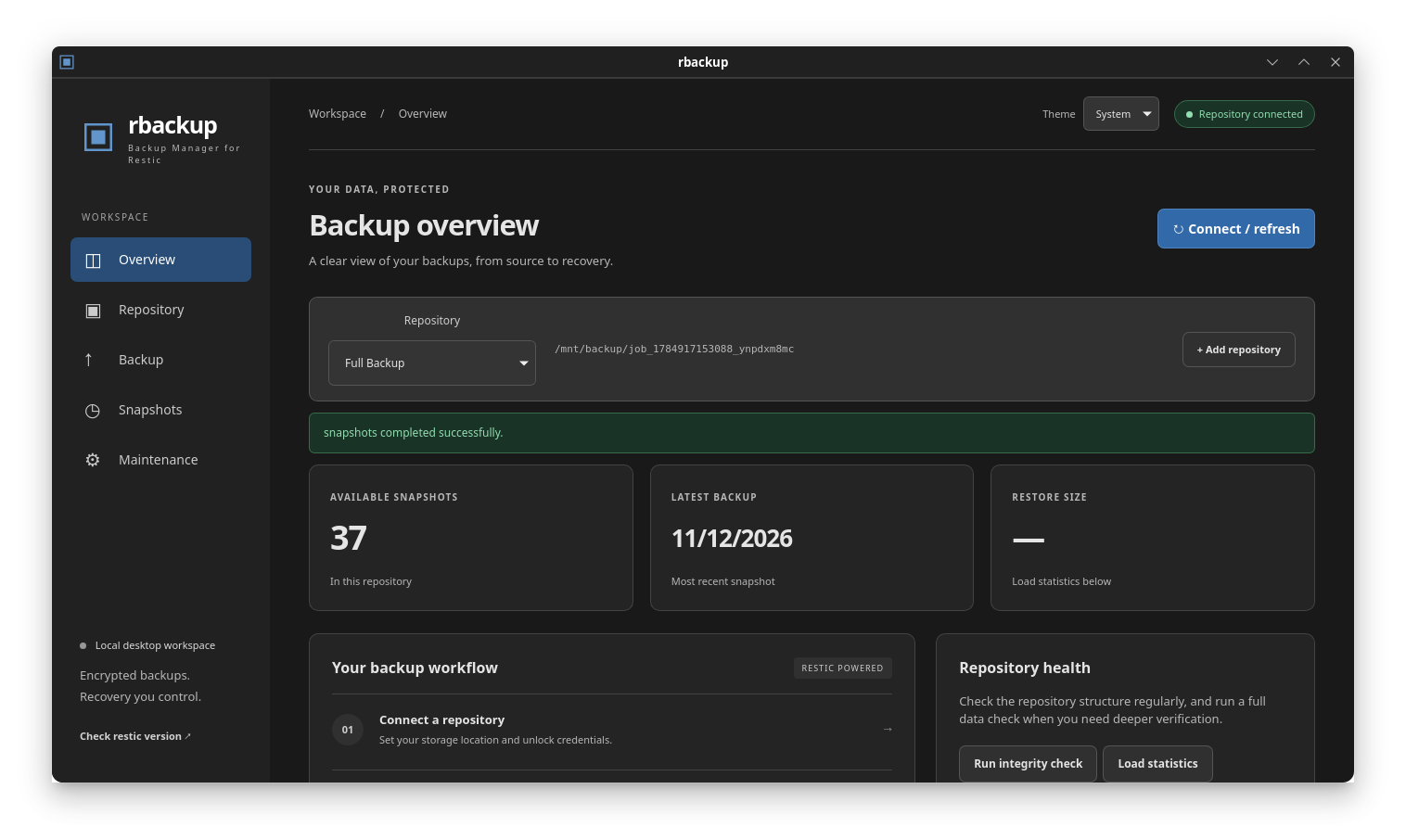
Connect a restic repository and choose which folders to back up. Save sources, exclusions, and tags in repository profiles.
Browse your snapshots and restore selected files or a full snapshot to a destination you choose.
Run daily or weekly backups on Linux with systemd user timers. After a successful backup, rbackup can check repository integrity, apply retention rules, and prune unused data.
rbackup requires the restic executable on your PATH.